
How to Play Car Simulator 2 Online (Multiplayer Guide 2026)
Car Simulator 2 started out as a single-player sandbox, but the online side has quietly become a big part of it. You can now share the city with real players, race them, or just cruise around and show off a car you spent weeks saving for. The catch is that the game never walks you through any of it. There is no tutorial for online mode, and plenty of guides repeat details that nobody has actually checked.
This guide sticks to what the developer’s own store listings confirm, plus practical advice for getting Car Simulator 2 online to work properly. Where something isn’t documented, we say so instead of guessing.
Does Car Simulator 2 Have Multiplayer?
Yes. Oppana Games lists online play as a core feature on both stores. The Google Play description has a dedicated online multiplayer section about joining real players in a shared city, driving together, racing and hanging out with friends. The App Store listing talks about racing with friends and playing against real players from around the world to earn currency. Google Play also tags the game as single-player, so you can still play solo whenever you like.
What You Can Do in Car Simulator 2 Multiplayer
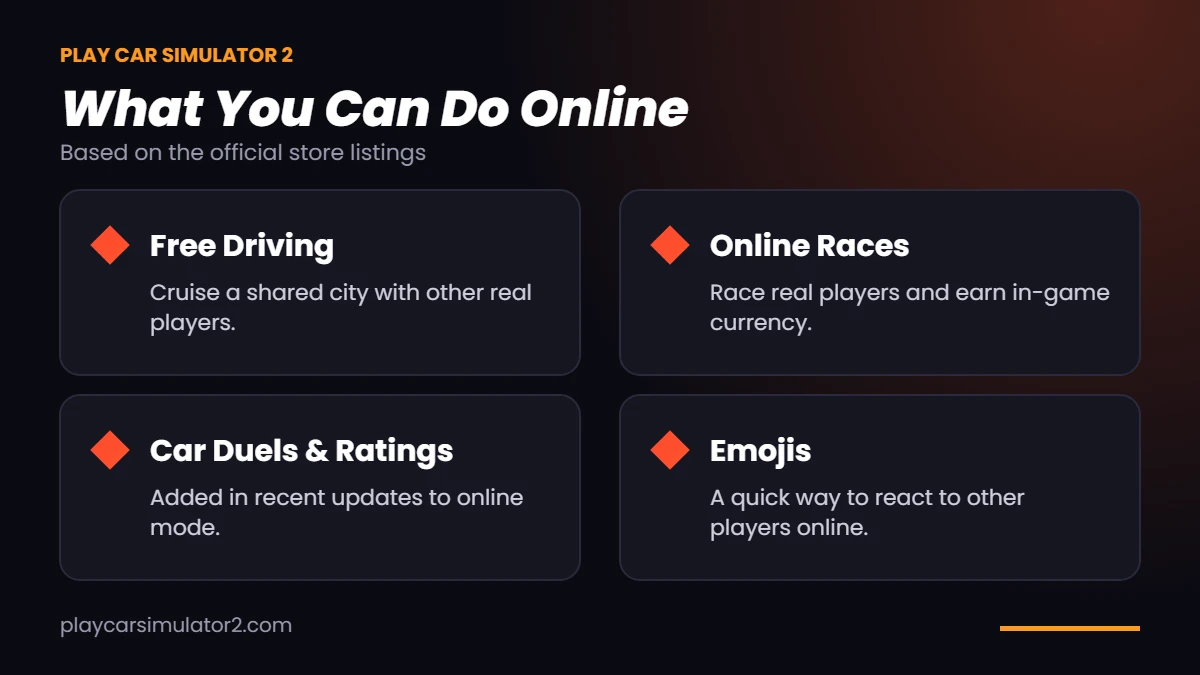
Online mode is built around a living city shared with other players. Here is what the listings and the update history point to:
- Free driving with other players – cruise around, show off your cars or just hang out.
- Online races – race real players and earn in-game currency.
- Car duels and ratings – newer updates added online car duels and online ratings.
- Emojis – the latest update added emojis in online mode, which is the closest thing to a quick chat.
The online side has grown over several updates. This is what the version history shows:
| Version | Online feature added |
|---|---|
| 1.52.1 | Battle Royale (September 2024) |
| 1.55.7 | Play online with friends |
| 1.56.11 | Online ratings |
| 1.61.8 | Online car duels |
| 1.64.11 | Emojis in online mode |
How to Play Car Simulator 2 Online
The exact menu labels change between updates, so treat these as the general routine rather than a button-by-button script:
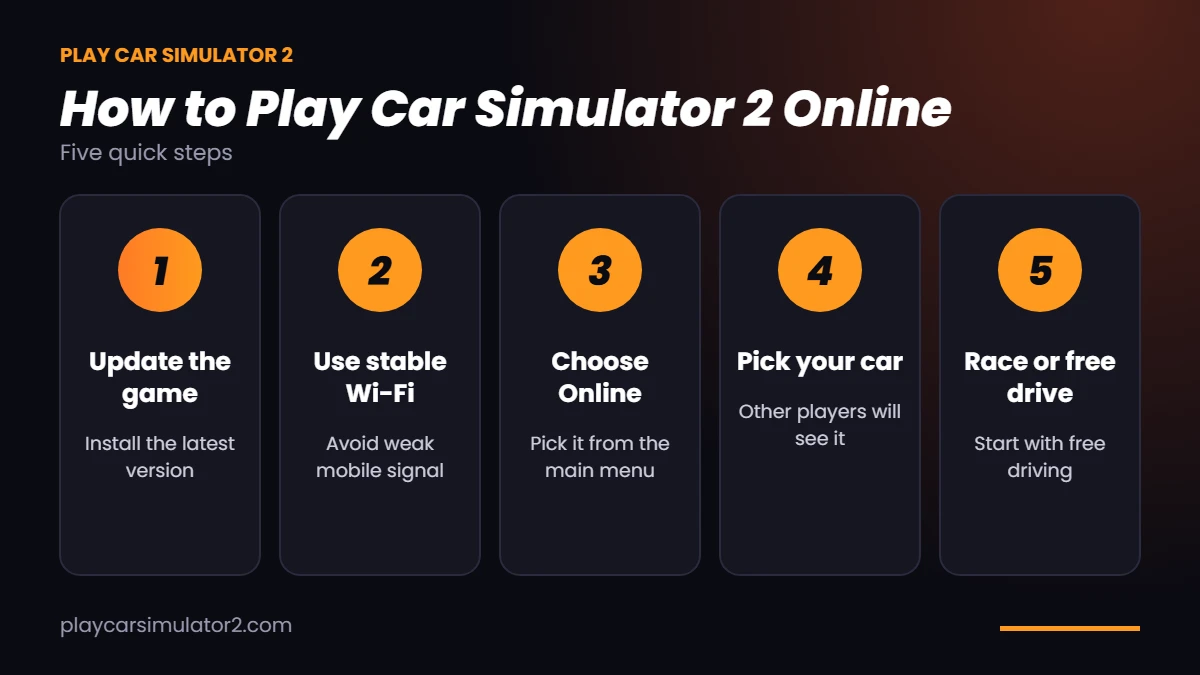
- Update the game first. Online features keep changing, so an old build is the first thing to rule out when something doesn’t connect.
- Get on a stable connection. Wi-Fi is the safer choice. A weak mobile signal is the most common reason online play feels broken.
- Choose the online option from the main menu instead of starting a normal single-player session.
- Pick a car you are happy to be seen in. Other players see whatever you bring into the city.
- Join a race or just drive. You can start with free driving to get a feel for the traffic before you try to win anything.
How to Play Online With Friends
Both stores say you can play online with friends. What they don’t describe is how you find each other. We couldn’t confirm a built-in friends list or invite code, so don’t count on one.
What tends to work in practice is simple. Make sure everyone is on the same app version, go online around the same time, and stay in a voice call on another app while you play. Some Play Store reviewers have asked for in-game voice chat, which suggests it isn’t built in. If you still can’t find each other, ask your friend to describe a landmark and meet there.
Does Car Simulator 2 Online Need Internet?
Playing with real players obviously needs a live connection. Google Play also tags the game as offline-capable, so solo driving is the part you can expect to enjoy without one. The listings don’t spell out how the two modes behave when your connection drops, so avoid starting a race on a shaky network.
Car Simulator 2 Online on Android, iOS and PC
Online play is part of the official game on Android and iPhone. The App Store listing currently asks for iOS 17 or later and about 2.4 GB of storage, which is worth checking before you download. On PC, Google Play lists a Windows version, and emulators like GameLoop offer another way in. If you are setting it up for the first time, read our guide to Car Simulator 2 for PC, and for Apple devices see the Car Simulator 2 for iOS guide.
Can You Play Online With the Mod APK?
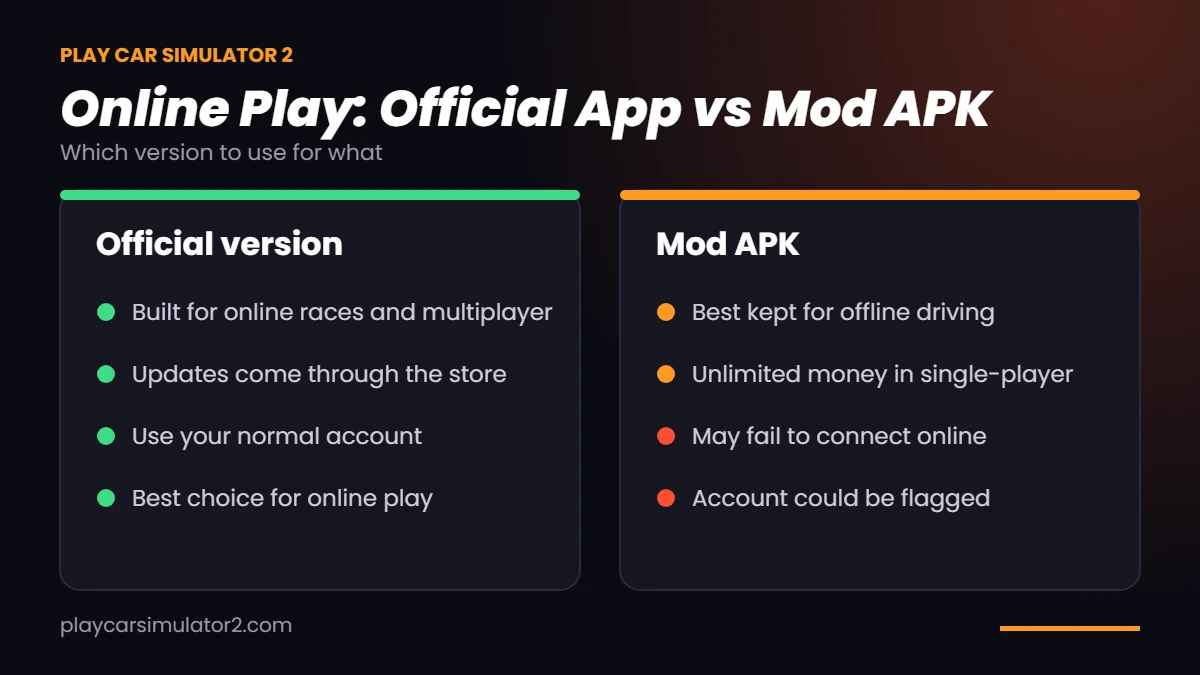
This is where we’d be careful. A modified APK is not the official build, and the developer does not endorse it. Online services often check the app they talk to, so a modded install can fail to connect, get kicked, or even have its account flagged. We can’t tell you exactly what will happen, because it depends on the version and on how the game’s servers behave that week.
The sensible approach is to keep the two apart. If you like the unlimited-money route, our Car Simulator 2 Mod APK page covers the download and what to expect, and it is best used for offline driving. For online races, use the official version and your normal account.
Common Car Simulator 2 Online Problems and Fixes
None of these are official fixes, but they solve most connection trouble in games like this:
| Problem | What to try |
|---|---|
| Can’t connect or stuck on loading | Update the game, restart it, then switch between Wi-Fi and mobile data. |
| Lag or rubber-banding | Move closer to the router, close background apps and lower the graphics quality. |
| Kicked out mid-session | Usually a connection drop. Reconnect on a steadier network. |
| Crashes on startup | Free up storage, restart the phone and reinstall only if nothing else works. |
Before you uninstall anything, check that your progress is saved to your account. On iPhone the App Store listing mentions Game Center. We couldn’t verify how saving works everywhere else, so back up if you can.
Tips for Playing Car Simulator 2 Online
- Keep the game updated, because new online features arrive with patches.
- Start with free driving before you enter races, so you learn how other players behave.
- Mind the purchases. The game has ads and in-app purchases, and Google Play flags that players can interact with each other, which parents should know.
- Be a decent driver. Constant ramming makes the shared city less fun for everyone.
FAQs: Car Simulator 2 Online
Final Thoughts
Car Simulator 2 online works best when you keep it simple: update the game, use a steady connection, and head into the shared city with a car you like. The developer hasn’t documented every detail, and we’d rather tell you that than invent room sizes and secret menus. If you want the unlimited-money version, keep it for offline play and leave online races to the official app.