

Car Simulator 2 Beginner Guide: Tips, Tricks & How to Start (2026)
Car Simulator 2 drops you into a large open world with a free starter car, a garage to fill and almost no instructions. That freedom is the fun part, but it also means many new players waste their first hours driving aimlessly. This beginner guide shows you exactly what to do first, how the official money sources work, which realistic systems to watch, and which mistakes to avoid.
Everything below is based on the official Google Play and App Store listings and on how the game actually plays. Where the developer has not published an exact number, such as mission payouts or car prices, we say so instead of guessing.
What Is Car Simulator 2?
Car Simulator 2 is a free open-world driving game for Android and iOS. You explore a city and its surroundings, drive licensed-style cars with realistic cockpits, complete races and jobs, and spend your earnings on new vehicles, houses and upgrades. The App Store listing mentions more than 135 cars, and the Google Play listing shows 100M+ downloads with a rating of about 4.7 stars.
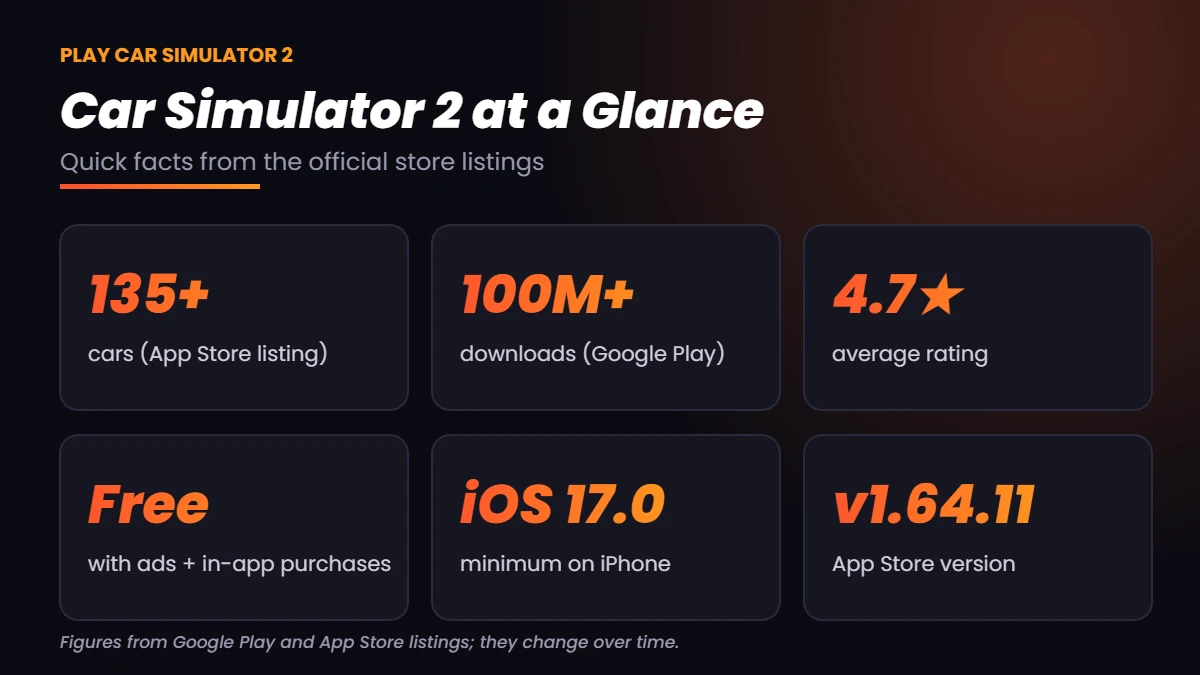
Quick Facts
| Detail | Info |
|---|---|
| Genre | Open-world driving simulator |
| Price | Free, with ads and in-app purchases |
| Cars | 135+ (App Store listing) |
| Downloads | 100M+ (Google Play listing) |
| Rating | About 4.7 out of 5 on the stores |
| iOS requirement | iOS 17.0 or later |
| Multiplayer | Yes, see our online guide |
Store numbers change with every update, so treat them as a snapshot of 2026 rather than a permanent spec sheet.
Choose Your Platform Before You Start
Your first decision is where to play. The core game is the same, but controls and performance differ.
| Platform | Best for | Guide |
|---|---|---|
| Android | Most players, widest device choice | Install from Google Play |
| iPhone / iPad | Smooth touch controls on supported devices | See Car Simulator 2 on iOS |
| Windows PC | Bigger screen and keyboard or controller | See Car Simulator 2 on PC |
On iPhone, the App Store lists iOS 17.0 as the minimum version, so older phones cannot install the latest build. If you want to play with friends, read our guide on how to play Car Simulator 2 online before you create your first garage.
Your First 10 Minutes: Step-by-Step
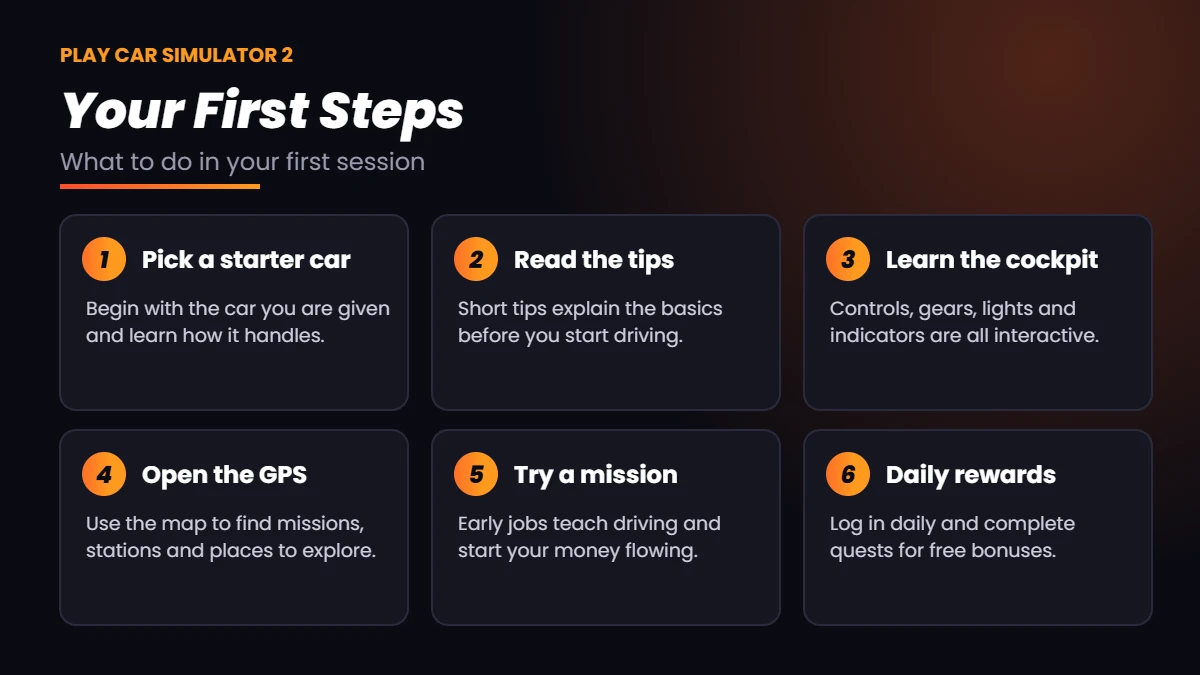
Do these steps in order. They take only a few minutes and set up everything else in the game.
1. Keep and learn your starter car
The game gives you a free car at the start. Do not rush to replace it. Drive it around an empty road, test the brakes, and learn how much it slides when you turn hard. Every other car you buy will feel different, so learning one car properly builds habits that carry over.
2. Read the in-game tips
The game shows short tips on loading screens and in menus. They explain controls, gears, lights and basic systems. Skipping them is the most common beginner mistake.
3. Learn the cockpit
One of the main features of Car Simulator 2 is its interactive cockpit. You can use indicators, lights and other controls inside the car instead of only pressing screen buttons. Spend a minute finding the gear selector, handbrake and lights so you are not searching for them during a race.
4. Open the GPS
The map and GPS show where missions, stations and points of interest are. Set a destination, follow the route, and explore one district at a time. Knowing where the fuel stations and car wash are saves time later.
5. Try a race or mission
Pick one easy race or job and finish it. This teaches you how the reward screen works and gives you your first cash toward the next car.
How to Earn Money Faster
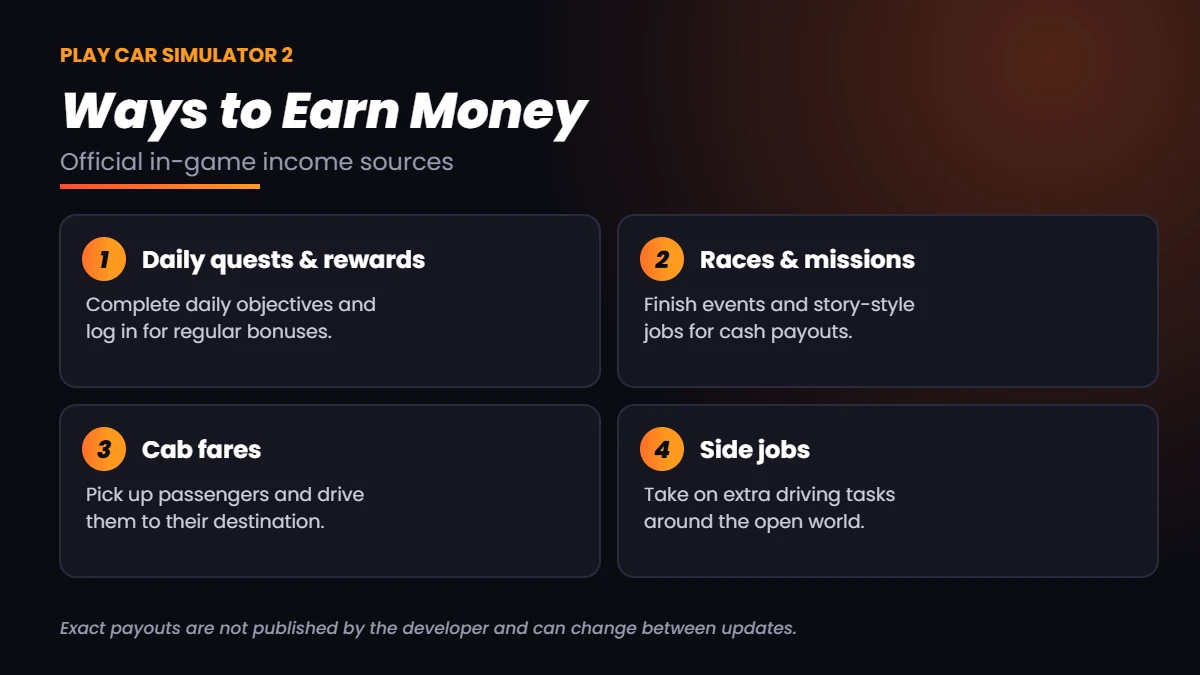
Money drives everything in Car Simulator 2, from new cars to houses. The developer lists several official ways to earn it. The exact payout for each depends on the event and can change between updates, so the best approach is to mix several sources instead of repeating one.
Daily quests and rewards
Log in every day and complete the daily quests. These are the safest and most consistent source of free progress, and they cost nothing but a few minutes.
Races and missions
Races and missions pay cash and also teach you the map. Start with events that suit your current car, because a car that handles poorly will lose you time and rewards.
Cab fares
Driving passengers as a cab driver is a steady job that rewards careful driving. It is a relaxed way to earn while you learn the roads.
Side jobs
Extra driving tasks around the city add variety. Treat them as filler between bigger events when you need a little more cash for the next upgrade.
A note on modded versions
Many players search for unlimited money versions. If you decide to go that way, understand the risks first: modified files can contain unwanted software and may break with updates. We explain the safety checks on our Car Simulator 2 download page. For the cleanest experience, the official money sources above are the safest route.
Drive Like a Real Driver: Systems to Watch
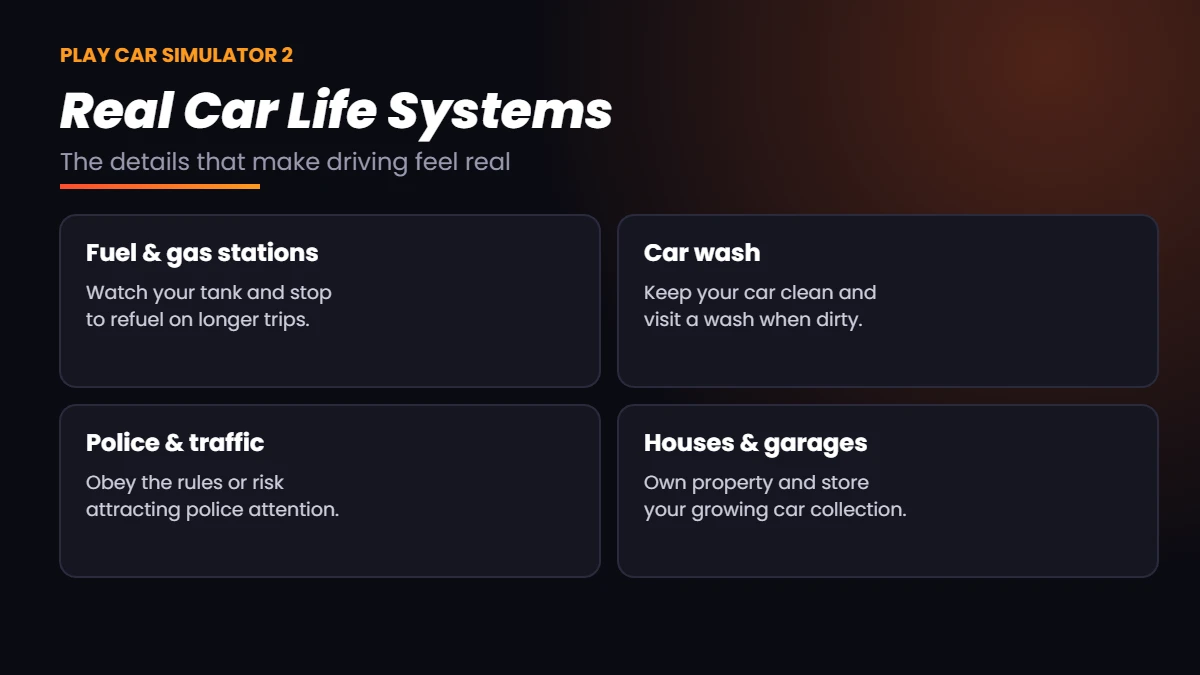
Car Simulator 2 adds small realistic touches that reward careful play. Ignore them and your car, and your wallet, will suffer.
Fuel and gas stations
Your car uses fuel, so plan longer trips and refuel before the tank runs low. Running dry in the middle of a mission wastes time and can cost you the reward.
Car wash
Cars get dirty as you drive. A visit to the car wash keeps your vehicle looking its best, which matters if you like screenshots or showing off online.
Police and traffic
The city has traffic and police. Follow the rules while you learn the game, and save fast driving for races and open roads.
Houses and garages
As you earn more, you can own houses and store your growing collection of cars. A well-organized garage is a goal worth working toward once your first few missions are done.
Customize Your Car
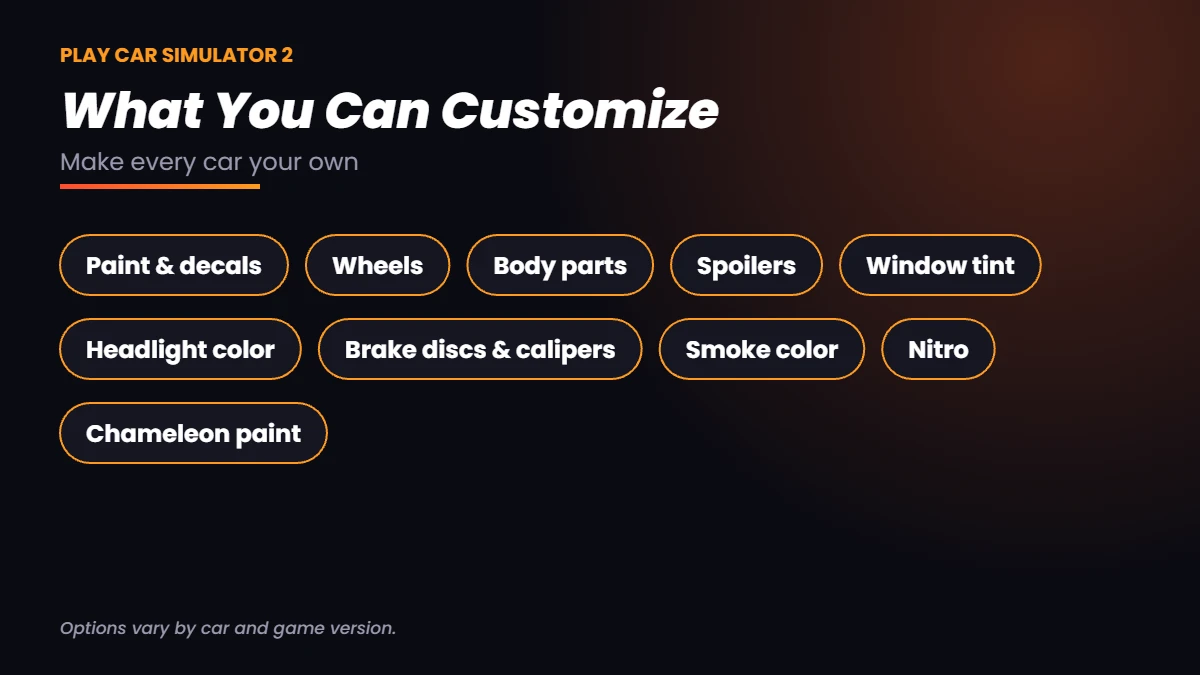
Customization is a big part of the fun. The game lets you change a long list of options, and you can mix them to build a car that is clearly yours.
| Option | What it changes |
|---|---|
| Paint and decals | Body color, finishes and stickers |
| Wheels | Rim style and look |
| Body parts and spoilers | Bumpers, kits and rear wings |
| Window tint | How dark the windows look |
| Headlight color | Light color at night |
| Brake discs and calipers | Visible brake details |
| Smoke color | Tire smoke color |
| Nitro | Extra boost for acceleration |
| Chameleon paint | Color-shifting finish |
Options vary by car and by game version, so not every car will have every upgrade. Start with cheap visual changes and save bigger spending for cars you plan to keep.
Common Beginner Mistakes to Avoid
- Buying a new car too early. Learn your starter car first.
- Ignoring fuel. Refuel before long missions.
- Skipping daily quests. They are free progress.
- Repeating only one job. Mix several income sources.
- Spending everything on looks. Keep some cash for the next car.
- Driving at full speed in traffic. Crashes waste time.
- Never opening the map. GPS saves a lot of wandering.
- Ignoring updates. New versions fix bugs and add content.
- Downloading files from unknown sites. Use official stores or sources you trust.
- Playing with low storage. Free space to avoid crashes.
Quick Troubleshooting for New Players
If the game runs poorly, try these basic fixes before anything else: close other apps, restart your device, make sure the game is on the latest version, free up some storage, and lower graphics settings if the game offers them. Performance varies a lot between devices, so a mid-range phone may need lower settings than a flagship.
Final Thoughts
Car Simulator 2 rewards patience. Learn your starter car, use the GPS, collect your daily rewards, mix your income sources and customize at your own pace. Once you feel confident, try multiplayer and compare other games in our list of the best car simulator games.